 Tutoring
  OneCard
  Bookstore
  Library
  Canvas
  Self Service
  Email
Email  Office Apps
  HelpDesk
  Employee Hub
  NetID/Passwords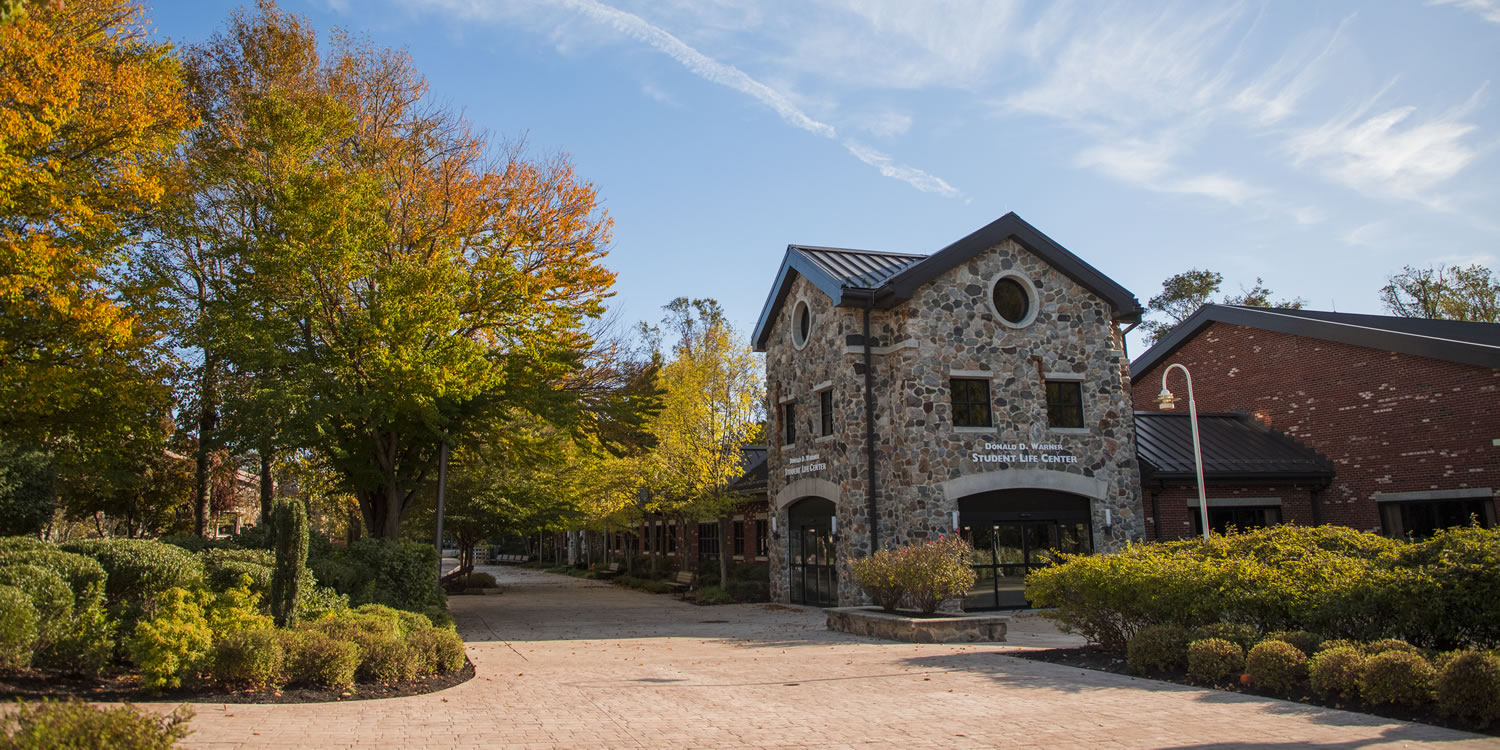
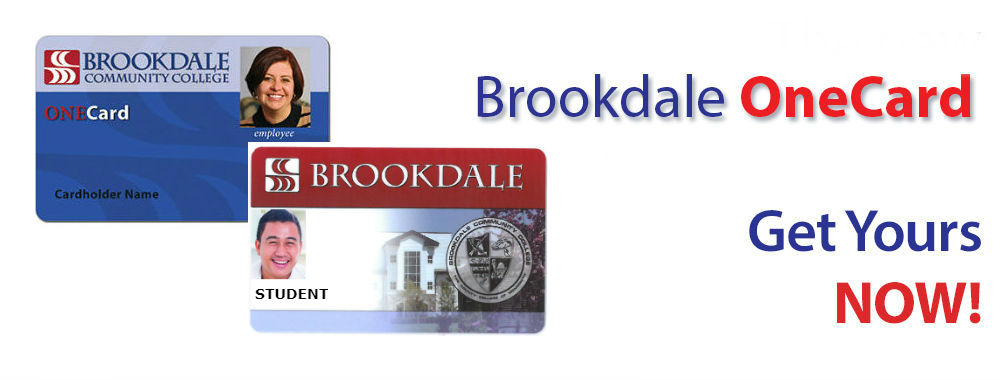
The Brookdale Community College OneCard is:
- Your official Brookdale Community College photo identification card.
How Do I Get My One Card?
Getting a Card
The ID Card Office (Student Life Lounge) is located on the first floor of the Student Life Center, Room 114 (Parking Lot #7). Students and staff can submit photos online for their Brookdale OneCard ID by reviewing the information below. Once your photo is approved, you’ll be notified via your Brookdale email. Please allow five business days after approval to pick up your ID card.
Another option is for you to take your photo in the ID Card office and receive your ID card on-the-spot. Below are the hours of operation for the ID card office. If you are having difficulty uploading your photo online or have any questions about ID card pickup, feel free to contact Student Life and Activities via email studentlife@brookdalecc.edu.
- Monday – Thursday 9:00 a.m. – 5:30 p.m.
- Friday – 9:00 a.m. – 4:30 p.m.
Fees
There is no charge for your first Brookdale OneCard. There is no charge for a legal name change. There is a $15 card replacement fee for lost or damaged cards. The replacement fee is waived with a police report for stolen cards.
Photos
A valid government-issued photo ID (driver’s license, official High School identification card, or passport) is required to obtain a Brookdale OneCard.
Faculty & Staff
Full-Time Staff and Faculty
Brookdale’s Department of Human Resources will provide a Brookdale OneCard authorization form to full-time staff and faculty. Full-time Staff and Faculty may obtain their Brookdale OneCard from one of the Brookdale OneCard production offices located in the Student Life Center, Room 114, on the Lincroft campus. A valid photo ID such as a driver’s license or passport is required to receive a Brookdale OneCard.
Adjunct Faculty and Hourly Employees
Upon authorization from the appropriate supervisor, Human Resources will provide a Brookdale OneCard authorization form to adjuncts and hourly employees. Adjunct Faculty and Hourly Employees may obtain their Brookdale OneCard from one of the Brookdale OneCard production offices located in the Student Life Center, Room 114, on the Lincroft campus. A valid photo ID such as a driver’s license or passport is required to receive a Brookdale OneCard.
Continuing Education Instructors
Upon authorization from the appropriate supervisor, Human Resources will provide a Brookdale OneCard authorization form to non-credit instructors. Non-credit instructors may obtain their Brookdale OneCard from one of the Brookdale OneCard production offices located in the Student Life Center, Room 114, on the Lincroft campus. A valid photo ID such as a driver’s license or passport is required to receive a Brookdale OneCard.
Online Photo Submission
Photo Guidelines
To ensure that your photo is suitable for a Brookdale OneCard, please follow the guidelines below.
File Format
We accept photos in jpg, png or gif format.
Color
Photo should be in full color and taken against a white, off-white or very light background. Do not submit photos in black and white, or with any effects applied.
Your Image
- The photo must show a close-up of your face and shoulders; clothing must be visible.
- Look straight ahead with a relaxed face, not frowning. Feel free to smile!
- Your face and eyes must be clearly visible.
- If you wear glasses, ensure there is no reflection and the frames do not obstruct your eyes.
- Caps, hats and dark glasses are not acceptable.
- Religious headwear is allowed but it must not cover your face.
Terms and Conditions
Policy on Release of OneCard Digitized Photographs
A valid government issued photo identification card is required to obtain your OneCard (ID card). You will not receive your OneCard without a valid government issued photo ID card. Please bring either a U.S. Driver’s License issued by DMV, or a Passport, a U.S. Military ID card, or official High School ID.
The use of any photograph submitted through the OneCard online photo submission software is only to obtain a new OneCard (Brookdale ID card). If you want a new photo on your OneCard, the standard replacement fee applies. If an incorrect photo is submitted and your card is printed, at the time of pickup, a replacement fee will be required to have a new card printed with your correct photo.
When a photograph is taken for the issuance of a OneCard, the digitized photo will be stored electronically for identification and security purposes. In addition, the photo may be used for approved internal college business purposes (e.g. class rosters, seating charts, academic advising rosters, and college-business uses that may be approved in the future).
How to Submit Your Photo Online
- Go to the Brookdale website, click MyBrookdale
- Click OneCard from the quick launch menu
- Login to OneCard eAccount
- If it’s the first time you have accessed your account, accept the terms and conditions, enter your 7-digit Student ID Number, click Register to complete registration
- Click Profile
- Under Personal Information enter your Email Address, then click Update
- Click the Click to submit a new photo link (a new browser tab/window will open)
- Follow the on-screen instructions to accept terms and conditions, and Take or upload your photo
- Click EDIT PHOTO to rotate and crop your photo as needed
- Click UPDATE PHOTO
- Once you have successfully submitted your photo, a confirmation page will display, and your photo will be in a pending status until the ID Card Office either approves or denies your photo. You will receive an email confirmation when your photo is either approved or denied.
Important Information
A valid government issued photo identification card is required to obtain your OneCard (ID card). You will not receive your OneCard without a valid government issued photo ID card. Please bring either a U.S. Driver’s License issued by DMV, or a Passport, a U.S. Military ID card, or official High School ID.
ID cards will be available for pick up on the Lincroft campus from the Student Life Lounge (SLC 114) during standard Student Life & Activities operating hours, Monday – Friday.
Contact Us
For successfully uploaded photos, ID cards will be available for pickup in the Student Life Lounge. If you are having difficulty uploading your photo online or have any questions about ID card pickup, feel free to contact Student Life and Activities via email studentlife@brookdalecc.edu. The Student Life Lounge (ID card office) is located on the first floor of the Student Life Center Room 114 (Parking lot #7). The office hours are listed below.
- Monday – Thursday 9:00 a.m. – 5:30 p.m.
- Friday – 9:00 a.m. – 4:30 p.m.